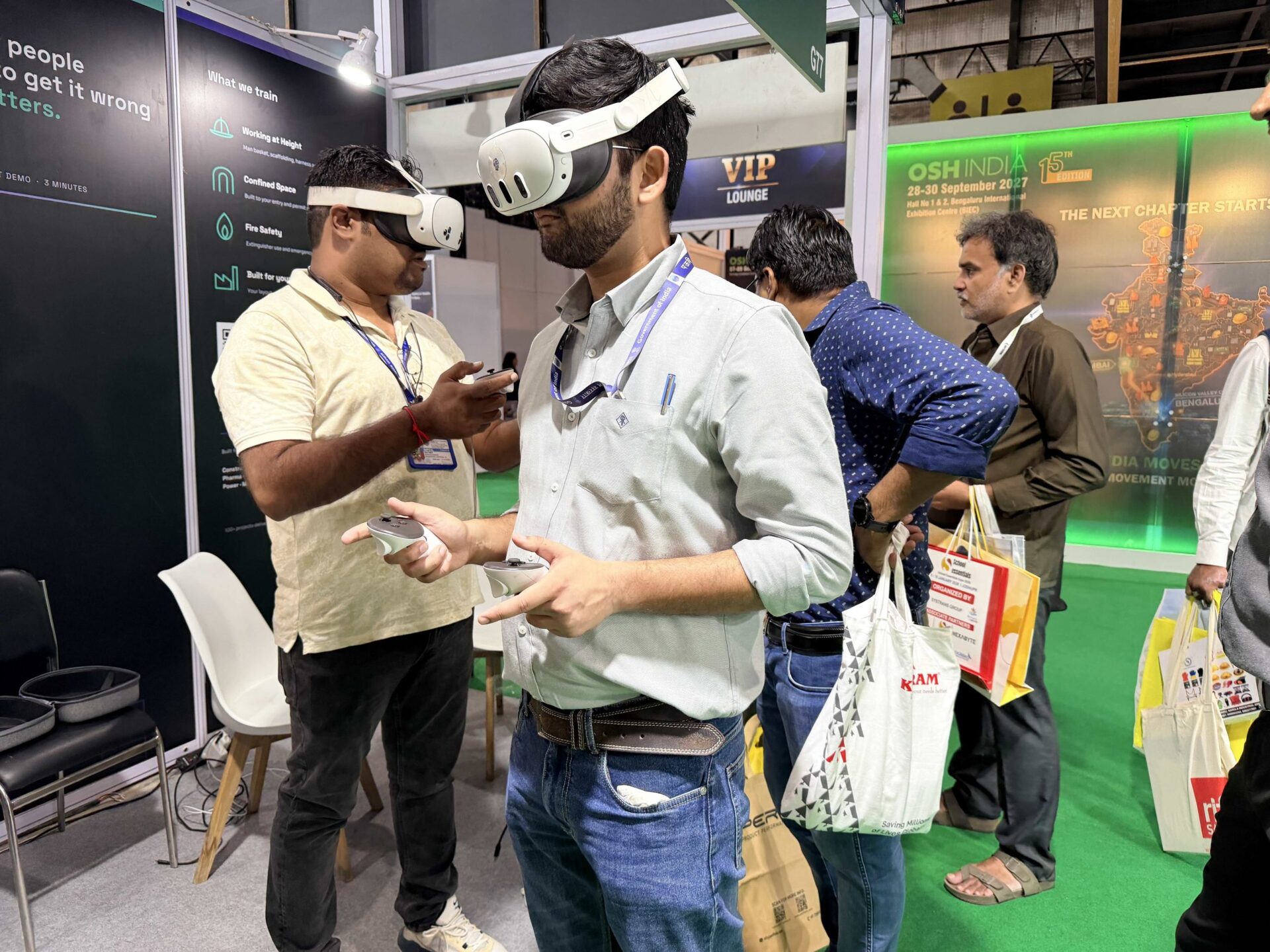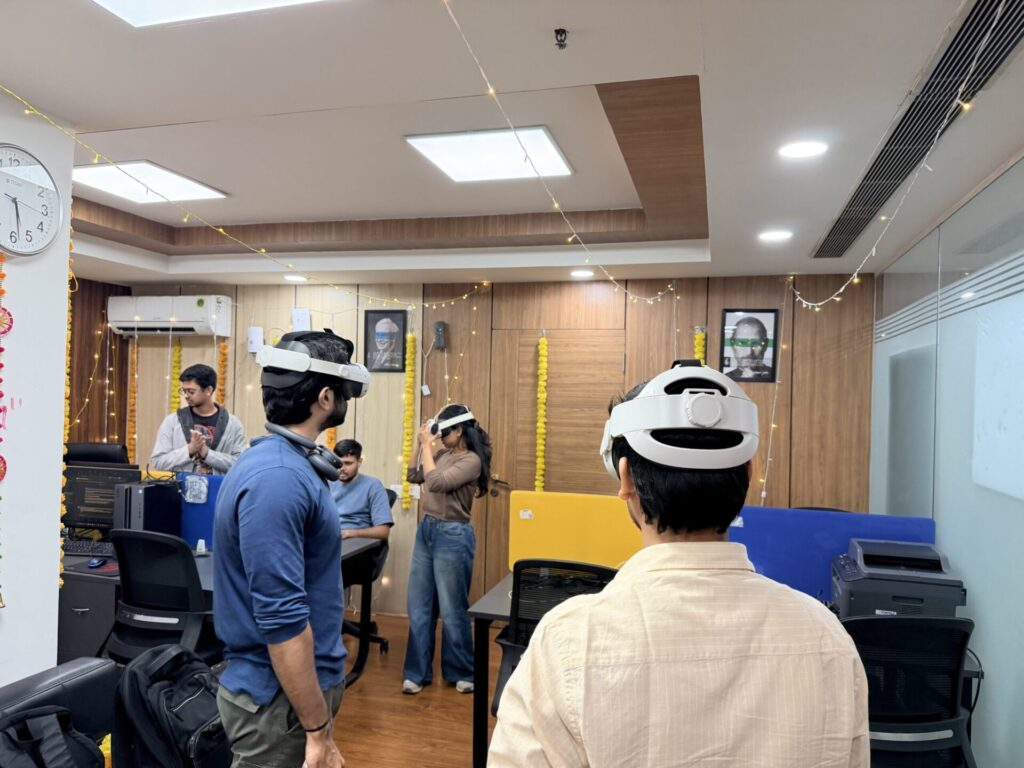
Your company wants a VR safety training lab. There is a room available, someone has suggested buying headsets, and the safety team has several training topics in mind.
Before ordering equipment, answer one question:
What should workers be able to do better after using the lab?
That answer determines the simulations, equipment, assessment and operating arrangements you need. It also helps you avoid buying more hardware than your training programme can use.
This guide explains how to plan a factory VR safety training lab around your procedures, trainee numbers and budget.
What is a VR safety training lab?
A VR safety training lab is a managed space where employees practise workplace tasks and decisions in simulated environments.
For a factory, that might include recognising hazards, following an isolation sequence, preparing for confined-space entry or responding to an emergency.
A usable lab brings together training content, suitable equipment, an instructor’s workflow and a way to review performance. The room and headsets are part of that system.
Start with your training requirement
Choose an initial task with a clear learning objective.
For example, “improve safety awareness” is broad. “Help maintenance staff identify the correct isolation points and follow our approved sequence” gives the project a defined purpose.
For each proposed module, document:
| Planning question | What your team should establish |
|---|---|
| Who will use it? | New employees, contractors, operators or maintenance staff |
| What will they practise? | A defined task, procedure or decision |
| What do they get wrong today? | Missed checks, sequence errors or poor hazard recognition |
| Which procedure applies? | The approved SOP and its current version |
| Who approves the content? | Your nominated safety or operations expert |
| How will you assess it? | Critical steps, errors and instructor review |
This brief helps a vendor recommend suitable content and estimate the work accurately.
Can the lab use our company’s procedures?
Yes, the content can be scoped around your procedures. The extent of customisation needs to be agreed before development.
There are three possible approaches:
Use an existing module when its learning objectives and procedure are suitable.
Adapt an existing module when the underlying task is relevant but specific steps or requirements need changes.
Build a new simulation when the equipment, workflow or learner interactions require it.
A lab can use a combination. You might need a custom equipment procedure alongside more general hazard-recognition training.
Ask the vendor to demonstrate what is already available and identify exactly what will change. Your safety or operations team should review the training before it is used with employees.
What equipment and facilities do you need?
Headsets suited to the selected simulations
Choose the content and delivery method before finalising the hardware.
Confirm whether the simulations run independently on a headset or require a computer, peripherals or other equipment. Check the complete proposed configuration during the demonstration.
A suitable training space
Assess the room against the movement requirements of the selected simulations and the headset manufacturer’s guidance.
Plan clear training areas, instructor supervision, suitable lighting, safe access and separation from passing foot traffic. Avoid deciding room capacity purely by how many headsets physically fit inside it.
Charging, storage and cleaning
Decide where devices will charge, where they will be secured and how they will be cleaned between users.
Include these routines in the lab’s daily operating plan.
An instructor workflow
The instructor needs a practical way to introduce the task, help first-time users, review performance and run a debrief.
Confirm any requirements for viewing the learner’s experience on another screen.
Network and IT arrangements
Ask the vendor which functions need an internet or local-network connection. Training, login, reporting and software updates may have different requirements.
Have your IT team review these arrangements before installation.
How many VR headsets should a factory buy?
Base the number on your training schedule.
You need to know how many people will train during each available period, how long a complete session takes and how much instructor support each learner needs.
Here is an illustrative capacity calculation:
| Assumption | Planning value |
|---|---|
| Headsets in simultaneous use | 2 |
| Complete learner slot, including changeover | 30 minutes |
| Daily training window | 3 hours |
| Calculated capacity before allowances | 12 learner sessions |
That calculation assumes both devices can be supervised and used throughout the window. Allow for introductions, breaks, troubleshooting and repeat attempts before setting an attendance target.
Test the assumptions with a small group before committing to a larger fleet.
What does a VR safety training lab cost in India?
The total depends on the content, hardware and services included.
Ask for an itemised quotation covering:
- Modules and any custom development.
- Headsets and accessories.
- Computers or specialist equipment, if needed.
- Installation and configuration.
- Trainer preparation.
- Licensing, reporting and support.
- Updates and ongoing maintenance.
- Applicable taxes.
Compare the first-year total and the continuing annual cost. Also confirm whether licences are tied to devices, users or sites.
HapzXR prices training labs after reviewing the requirement. Headset rental is available for clients in India. You can request local pricing through our VR Training Lab service.
For a closer look at content-development budgets, read our custom VR training cost guide.
How do you keep the first lab affordable?
Begin with a defined training need and a schedule you can operate.
Use an existing room if it meets the requirements. Choose the initial headset count from expected throughput. Review whether suitable content can be adapted before commissioning a completely new environment.
Also decide what needs visual accuracy. A machine control or isolation point may need a precise representation; the entire factory may not.
Keep required learning steps and assessment intact when reducing the scope.
Who will run the lab after installation?
Name the person responsible for booking sessions, preparing equipment and checking results.
Agree who will handle device problems and who will review the content when a procedure changes. Your trainers should practise running complete sessions before the lab is handed over.
At HapzXR, lab setup includes selected modules, headset setup, the training dashboard and preparation for your trainers.
What should the first deployment prove?
Agree on success measures before the first group starts.
Useful measures include:
- Critical steps missed on the first attempt.
- Changes in performance after practice.
- Instructor assistance required.
- Actual session duration and learner throughput.
- Issues identified during the debrief.
Where practical, follow up with supervised workplace assessment to check how the learning transfers to the job.
VR practice should sit within your approved training programme, with the appropriate practical instruction and assessment for the task.
Questions to ask a VR training lab vendor
Before approving a proposal, ask:
- Can we try the relevant training scenario?
- What will be adapted to our SOP?
- Who reviews and approves the content?
- What equipment and network access are required?
- What results can our instructors review?
- What is included in installation and trainer preparation?
- Which charges continue after the first year?
- What happens when our procedure changes?
- Can we expand the setup without replacing the initial investment?
The answers should appear in the proposal, with responsibilities clearly assigned.
Plan a lab around your workers and procedures
Share your training topics, trainee numbers, available space and budget with HapzXR.
We will help define an initial setup, review where custom content is needed and scope the equipment and trainer preparation.