

VR training / Live Events, Sports & Venues
Before the gates open, get your people ready.
Event safety VR training for unfamiliar venues, fast-moving situations and rotating crews. Rehearse the role, recognize the risk and know how to report it.
For event producers, venue operators and crew training teams
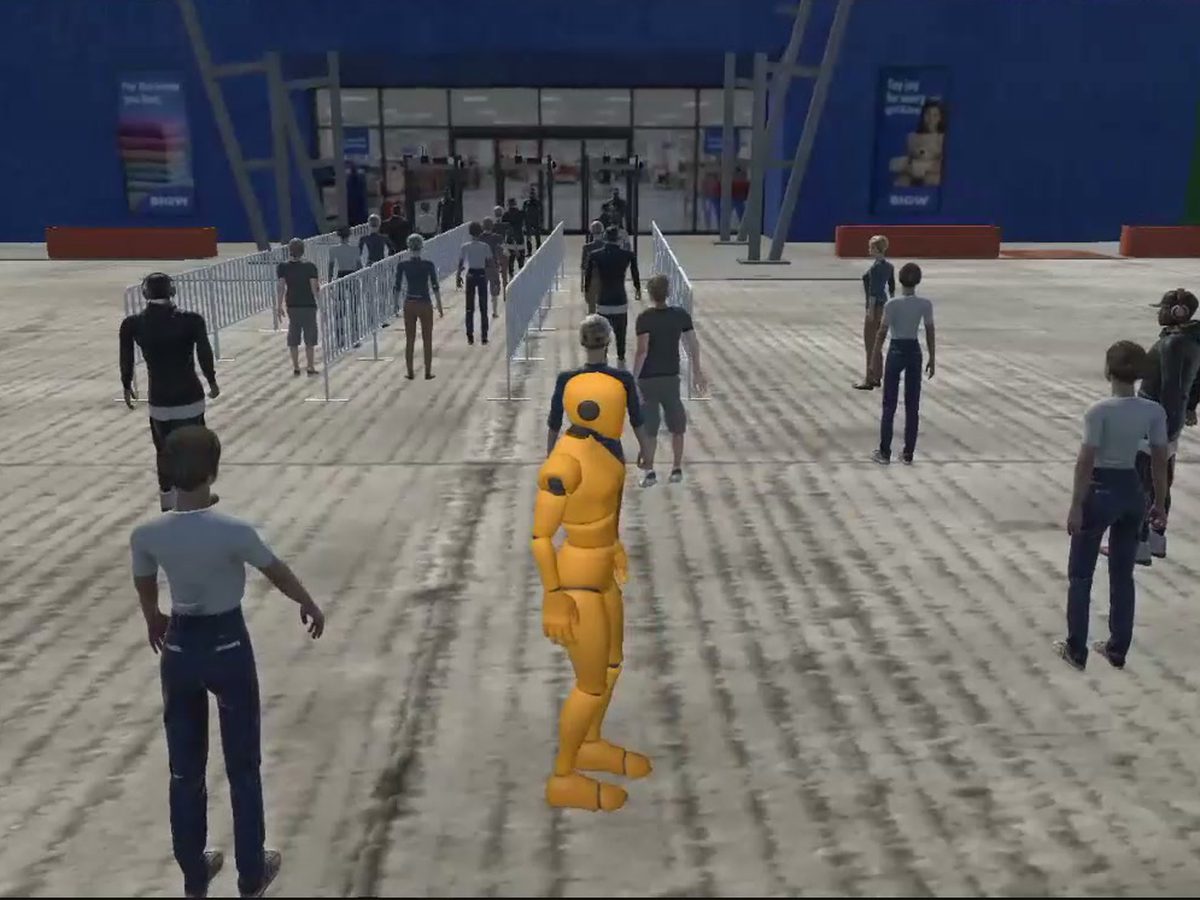
01 / The problem
One event. Many teams. No room for mixed messages.
- 01
An unfamiliar venue
Staff need to understand their zone, access rules and reporting points before guests arrive.
- 02
A rotating workforce
Different agencies and temporary crews need a shared understanding of their responsibilities.
- 03
Decisions under pressure
Recognizing a developing issue and communicating it clearly takes practice, not just a briefing.
02 / See it work
See the work. Then picture your team.
Explore relevant project samples before discussing your own training requirements.
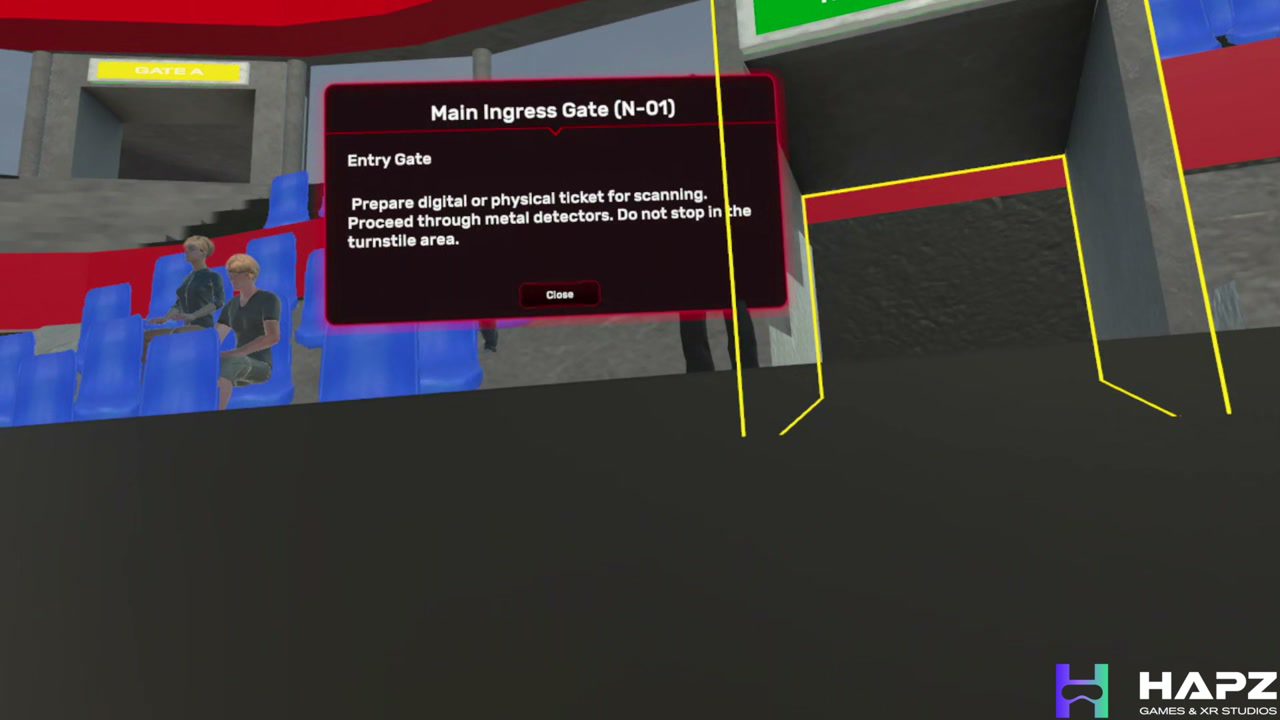
Explore our stadium safety training demo. Discuss how an event-specific version could reflect your venue, staff roles and approved procedures.
The demo above is a working HapzXR project sample. The scenarios below illustrate how the training can be adapted to different event roles and procedures.
03 / Try the scenarios
The situations that matter. Space to practice them.
Pick a situation. Each one shows where the learner starts, what they practice and what the trainer gets back.
Know your venue
You're here
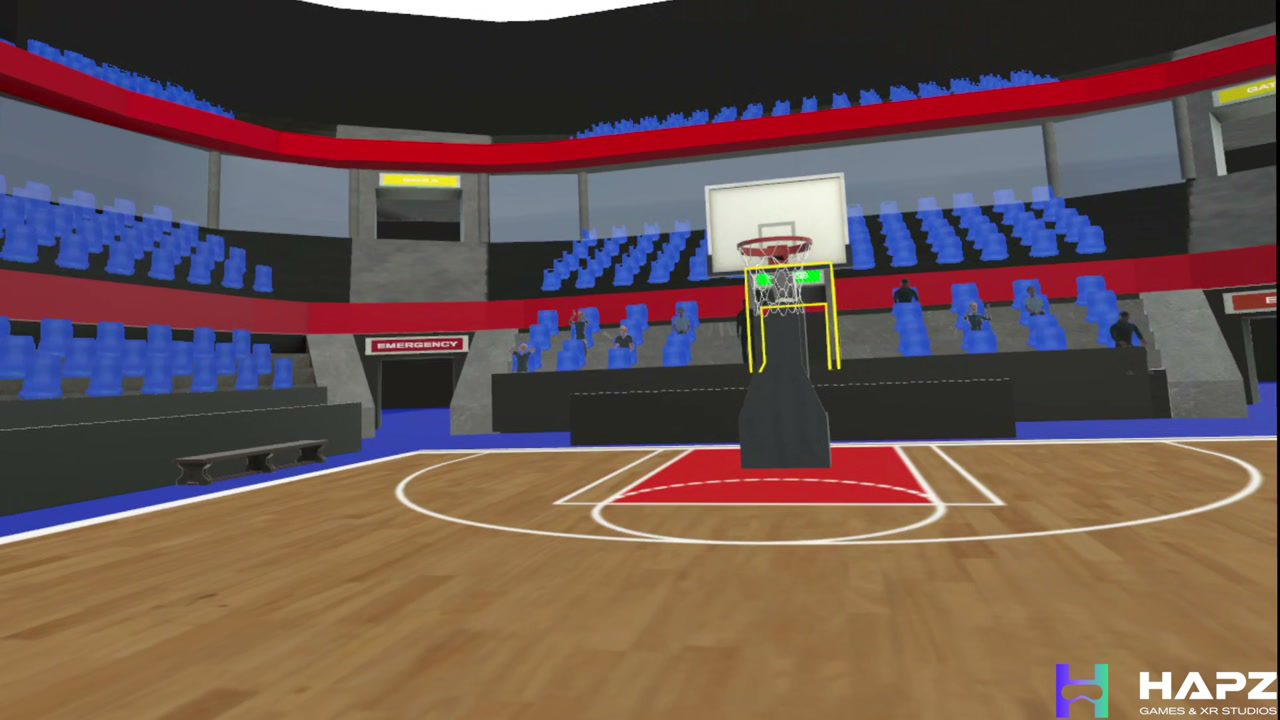
It is your first shift at a large venue. You have been assigned an unfamiliar zone.
Learner practices
Explore your post, restricted areas, medical points and approved emergency routes.
Trainer sees
Review route awareness and the questions to resolve during the event-day briefing.
Spot a developing issue
You're here
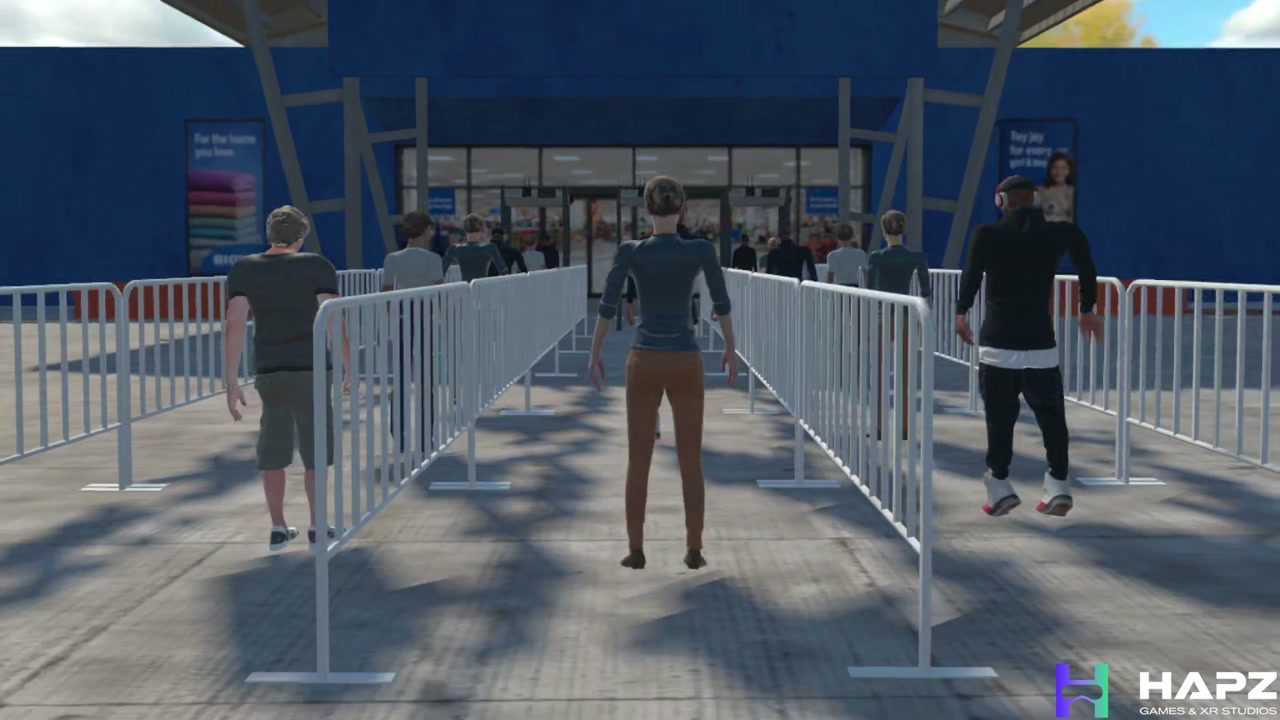
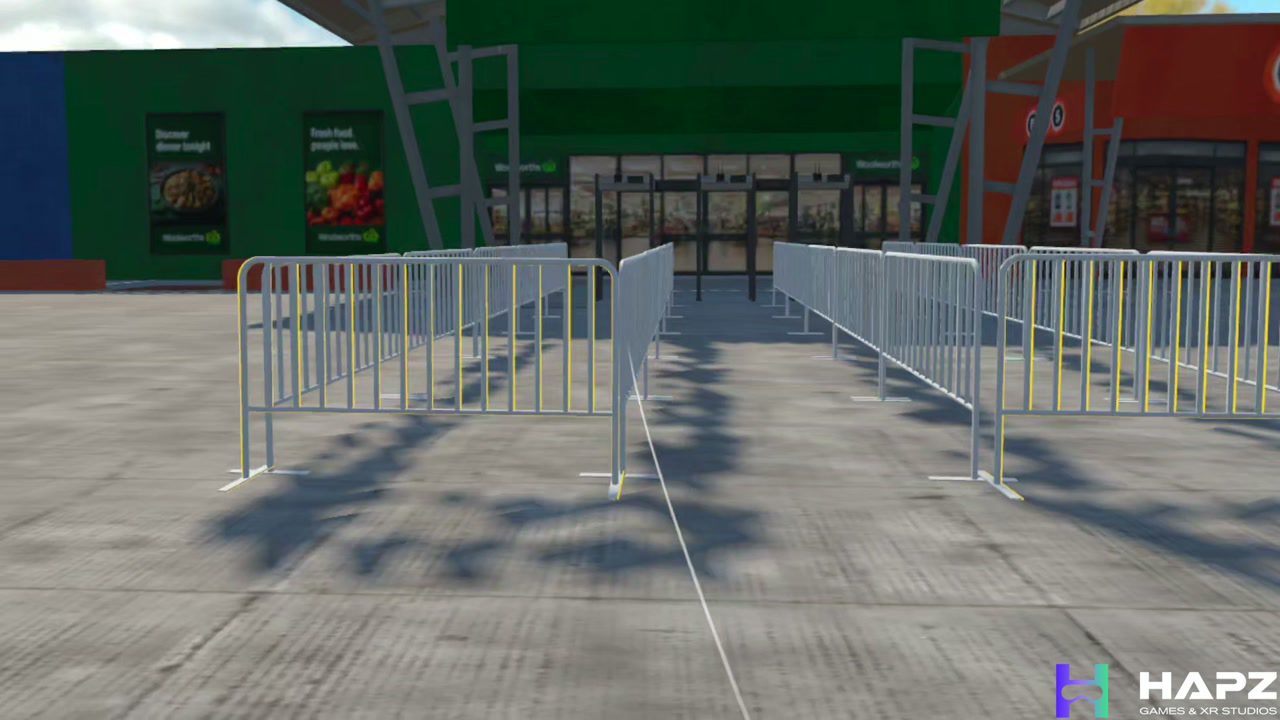
A line is building near a busy entrance and visibility is limited.
Learner practices
Recognize the change and rehearse reporting it through the agreed chain of command.
Trainer sees
Debrief observations and escalation decisions with the event safety lead.
Report it clearly
You're here
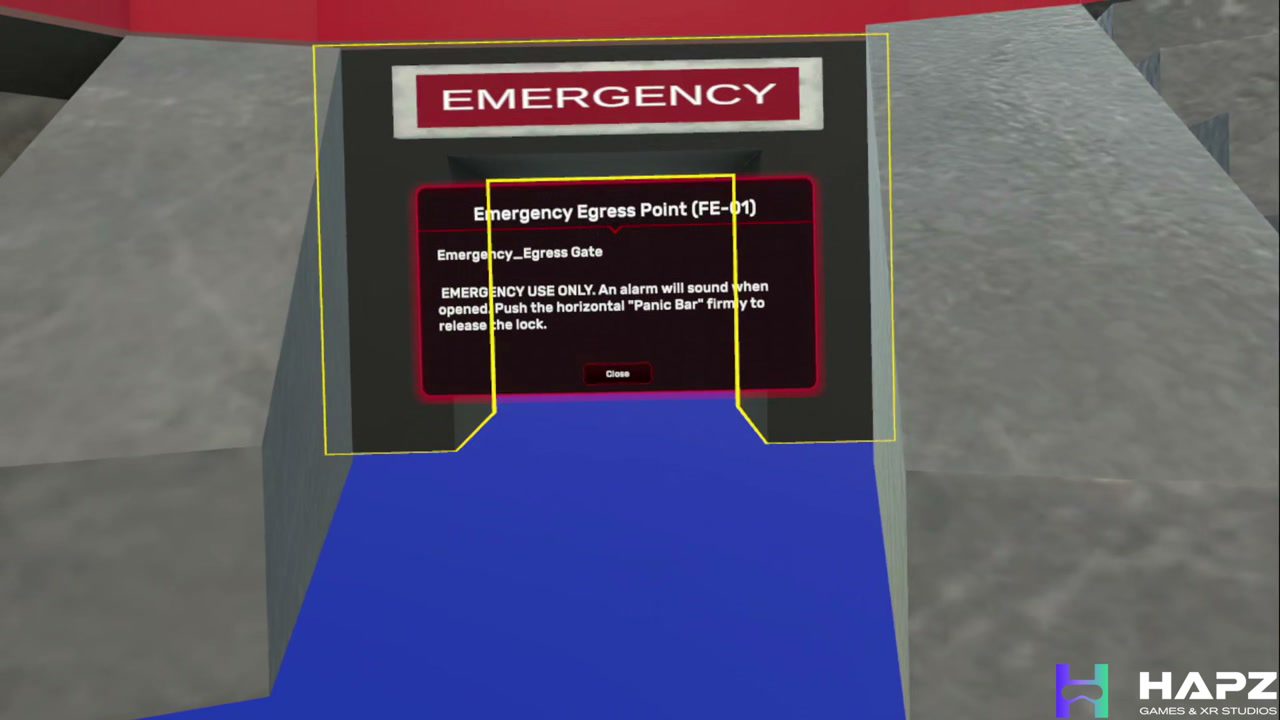
A simulated incident occurs while several teams are communicating at once.
Learner practices
Practice stating the location, describing what you observe and requesting the appropriate assistance.
Trainer sees
Review reporting completeness and adherence to the approved communication procedure.
Scenarios are illustrative. Final scope and procedures are agreed with your team.
04 / Where to start
Find your starting point.
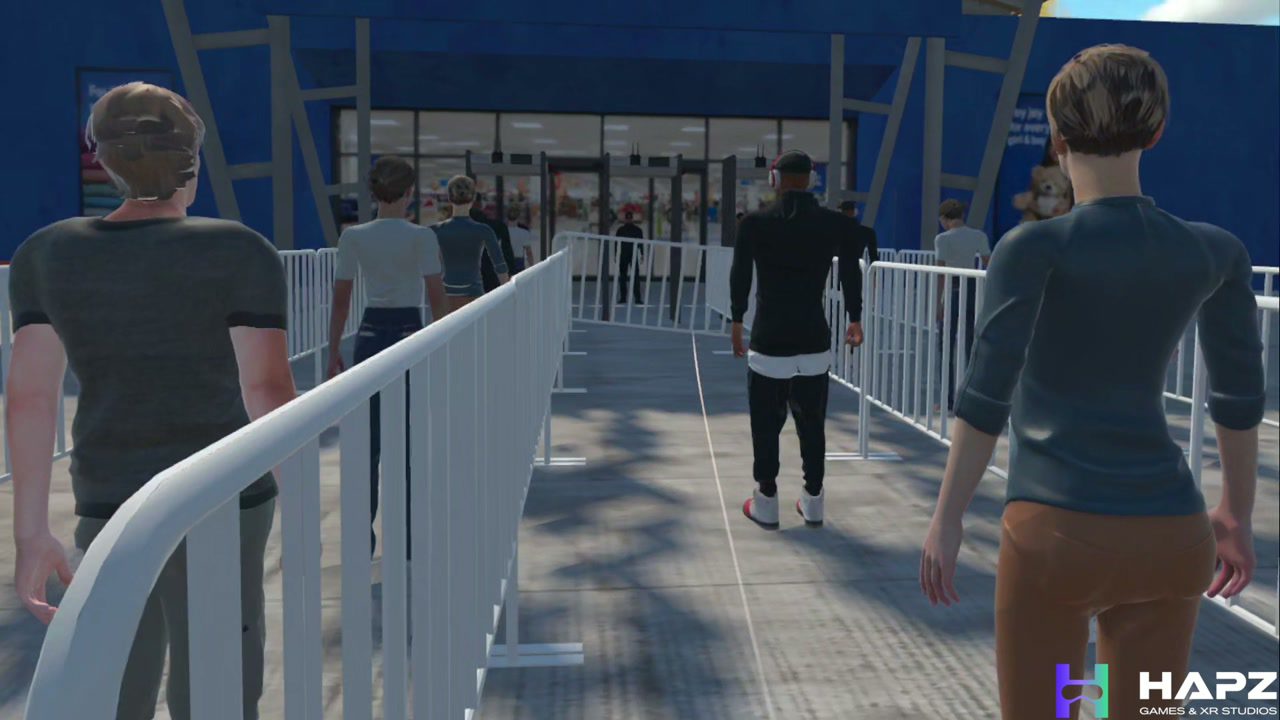
Event Venue Safety & Crew Orientation VR Training
VR orientation for venue safety, back-of-house movement, emergency routes, rigging awareness, contractor induction, and event crew readiness.
View the moduleNeed more?
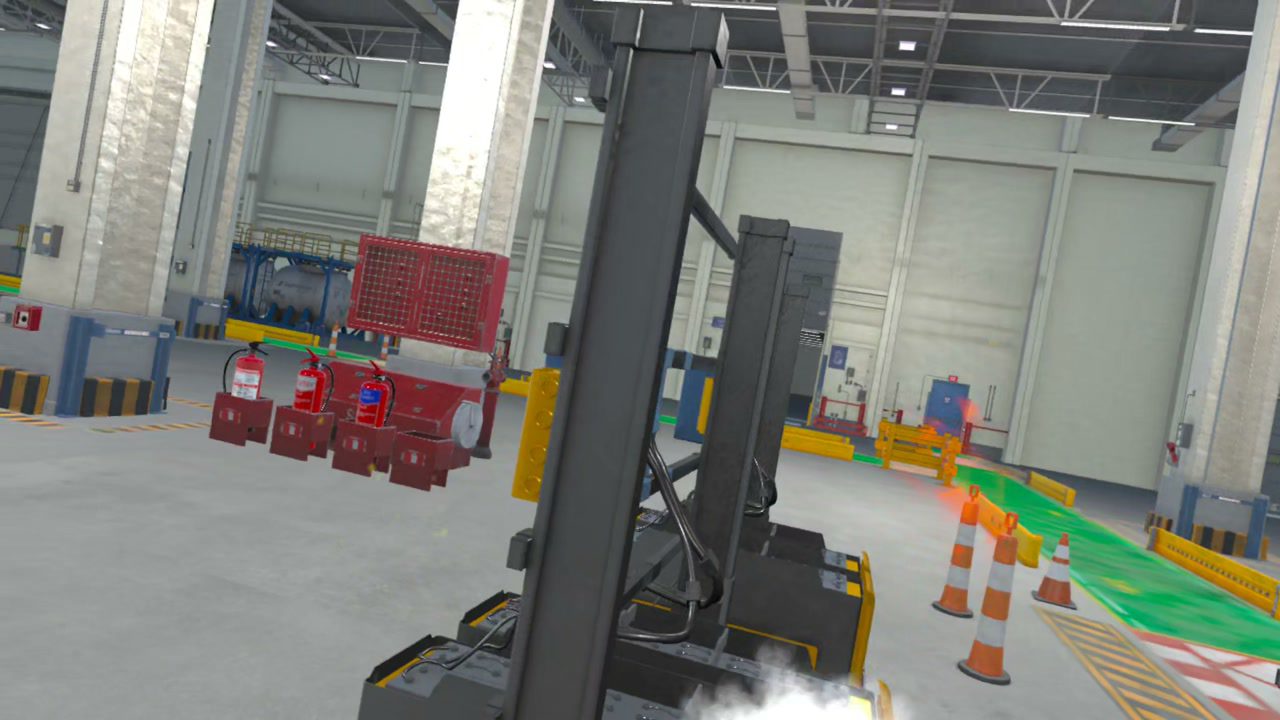
Fire Safety & Emergency Evacuation VR Training
VR fire-safety training for alarm response, extinguisher decisions, evacuation routes, assembly-point discipline, and emergency communication.
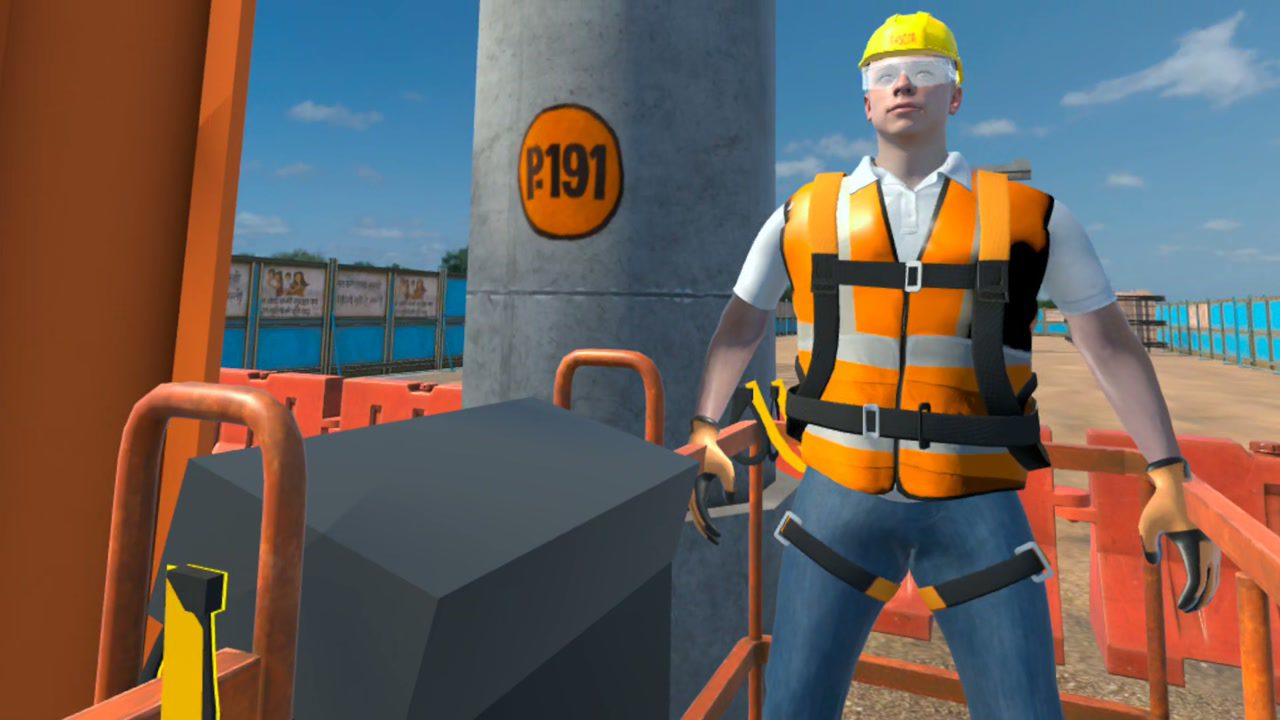
Working at Height VR Training
VR training for working at height, covering planning, PPE, anchor selection, rescue readiness, and elevated-work decision-making.
05 / What we have built
What we have built so far.
We developed this event-safety training concept to show how venue orientation, hazard recognition and incident reporting can be rehearsed in VR. The stadium demo above is that build. There is no event client behind it yet, and we would rather say so than dress a concept up as a deployment.
Who is behind this
Built with people who run events.
We do not keep safety specialists on payroll. For each program we bring in an advisor from the industry. For events that means safety and operations professionals who have supported some of the world's most complex events, and they review every scenario before your crew sees it.
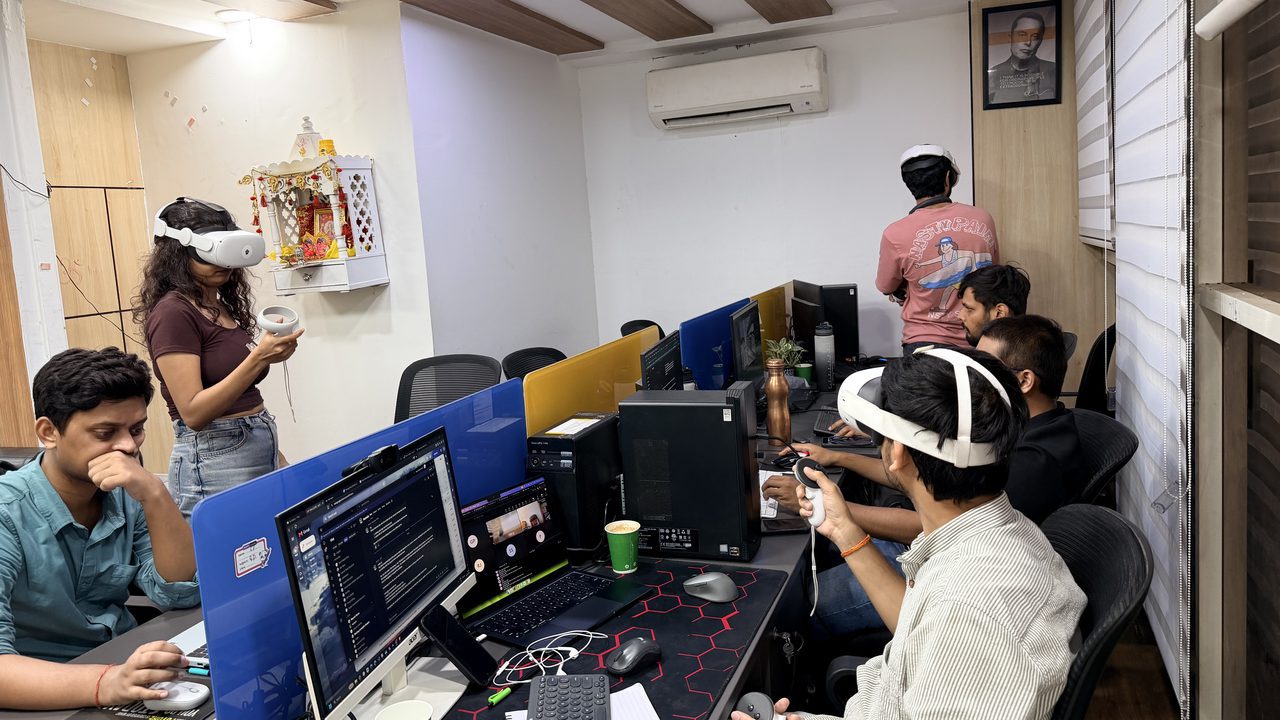
How a pilot works
From your procedure to a working pilot.
- 1
Give us the task
Roles, procedures, venue information and what people need to get right.
- 2
We adapt the training
Scenario, environment, assessment and reporting.
- 3
Run it with a small crew
Review what happened before deciding whether to scale.
VR supports practice and assessment. It does not replace required qualifications, supervised practical training or your site-specific safety procedures.
Do we need a digital replica of the whole event?
Not necessarily. Start with a role and a few priority scenarios. Venue-specific orientation can be scoped separately and must reflect the latest approved layout. We do not imply affiliation with an event brand or replace event-day briefings.
Can this work for temporary staff who only have limited training time?
That is the case it is designed for. A short role-specific module lets a crew member complete their zone orientation and one incident scenario in a single induction slot, and the trainer sees who finished and what they missed. The event-day briefing gets shorter, not longer.
Can you adapt training to our procedures and locations?
We can discuss adapting scenarios to your approved procedures, terminology, learner roles and environment. Your subject-matter experts review the content; the extent of customization is agreed before development.
What equipment, time and budget will we need?
These depend on the selected module, number of learners, headset setup and customization. Share your requirements and we will scope the hardware, delivery schedule and commercial proposal. We do not assume one deployment model fits every team.
How should we evaluate a pilot?
Agree on success measures before the pilot: decision accuracy, critical steps missed, learner throughput and feedback from instructors. Compare these with your current training approach rather than relying only on learner satisfaction.
Your next step
What should your crew rehearse before show day?
Tell us the role, the venue and what your crew needs to get right. We will show you what can be trained in VR and what a sensible first pilot could look like.